Your widget wall
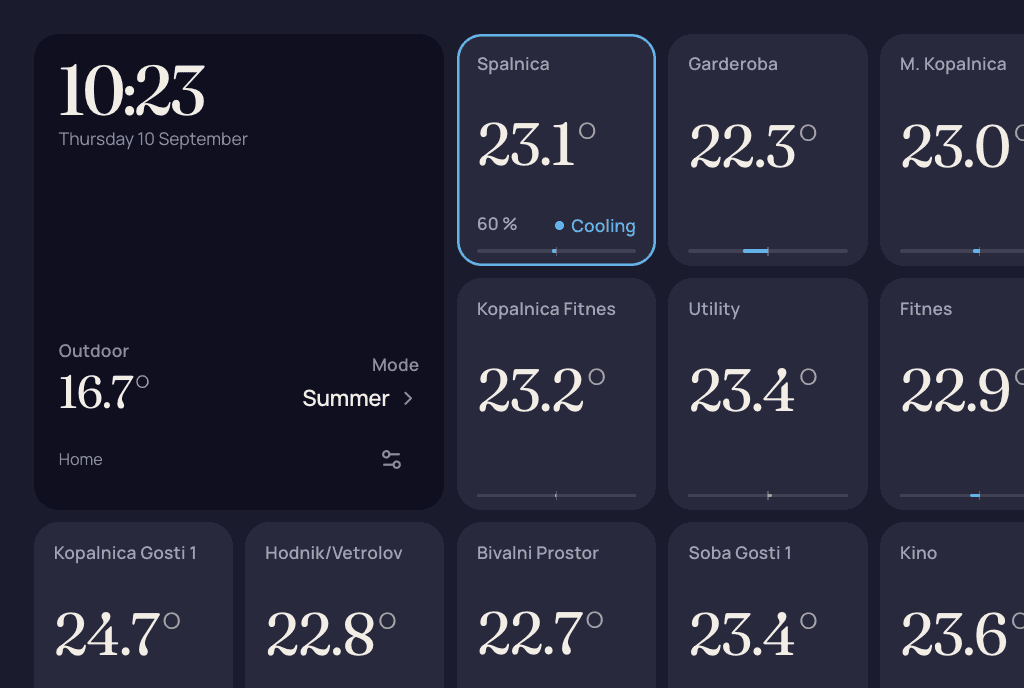
Choose temperature, humidity, clock, calendar and weather widgets. Save a personal layout for each system in your account.
Free while in preview.
Put room temperatures beside a clock, calendar and city weather. Check your Harreither Universum Gen7 from your phone, or give a wall tablet its own display link.
Sample data
Choose temperature, humidity, clock, calendar and weather widgets. Save a personal layout for each system in your account.
Adjust the setpoints, timers and modes your controller offers. Preview weekly schedule templates before applying them to selected rooms.
Follow temperature, humidity and observed output activity in five-minute observations. Missing readings stay as gaps, not invented values.
Set offline, sensor-fault and temperature rules. See events in Hydrum, with optional email to your verified address when mail is available. No push notifications.
Give each person their own account with View, Control or Manage access. Keep controller credentials and ownership with the owner.
Create a separate link with view-only or control access, its own theme and one of three standard layouts. Pause, replace or remove it when needed.
Use Edit wall to add, resize and reorder widgets, then save. Your choices follow your account for that system, including with view-only household access. Shared displays keep their own Rail, Poster or Mosaic layout; they do not inherit your widgets or room favourites. City weather is optional and depends on service configuration.
Pick per screen: a rail with tiles, a poster-style index, or one even mosaic. Light and dark themes, and an optional background photo.
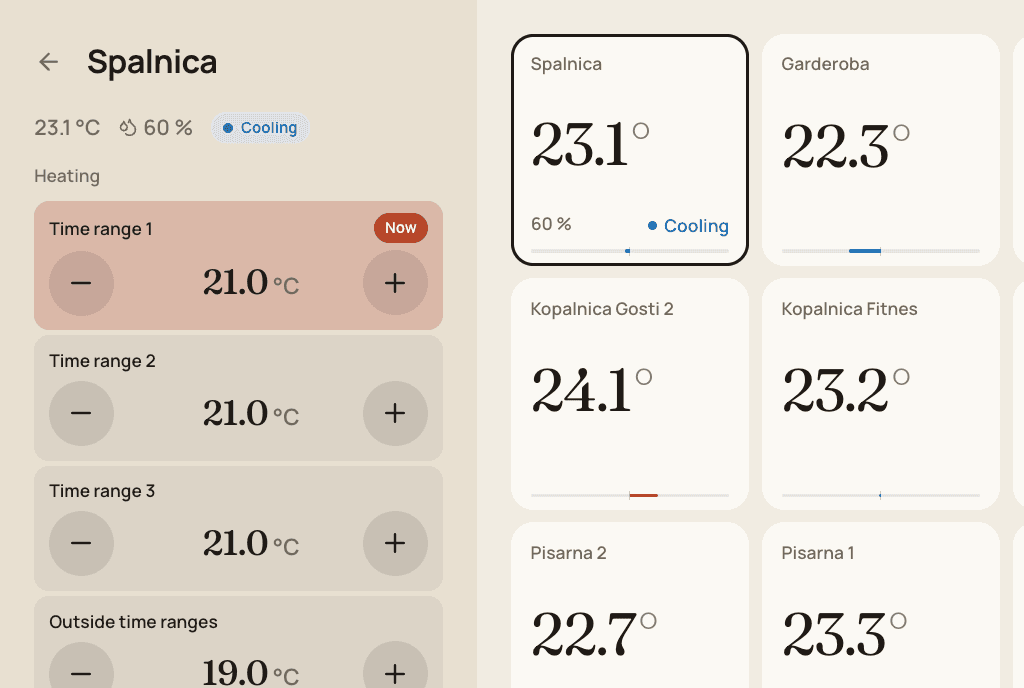
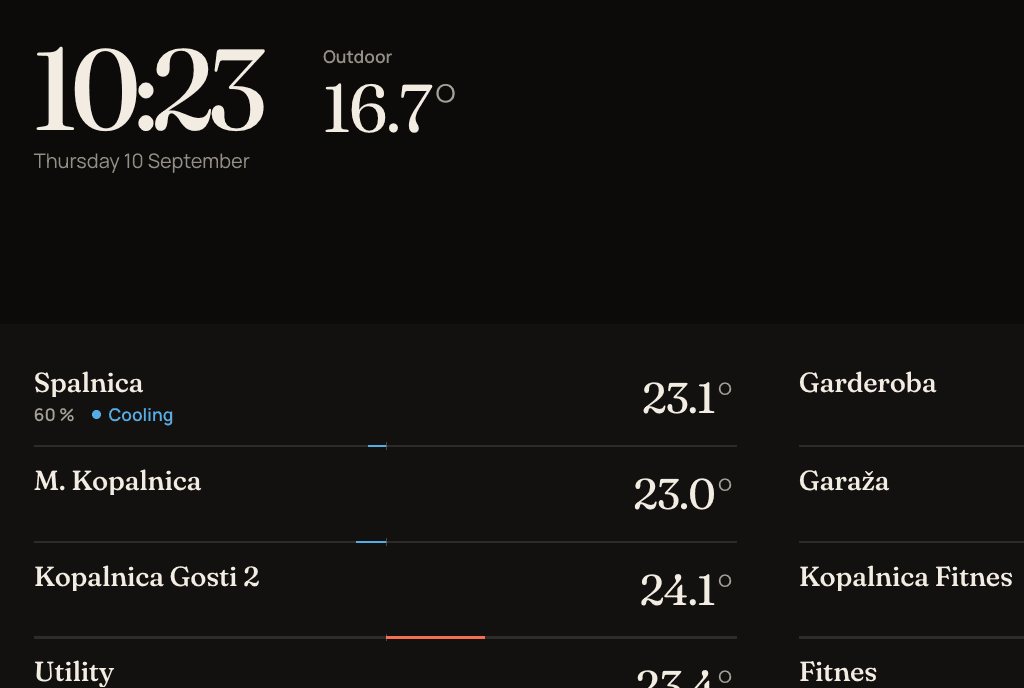
History keeps genuine observations in five-minute buckets for 30 days. Activity records changes requested through Hydrum and whether the controller acknowledged, rejected or left them uncertain. Output activity is not an energy meter: Hydrum does not calculate kWh, costs or savings. Owners in Slovenia can connect the household smart meter through the Moj elektro API to see 15-minute electricity next to heating demand.
No. Support is limited to Harreither Universum Gen7. Check the generation with your installer if you are unsure. Compatibility with every firmware version, especially older versions, is not guaranteed.
No home server or extra app is needed. Hydrum runs in a browser and connects through Harreither's cloud relay. Your browser and controller need internet access, and both Hydrum and the relay must be reachable.
Custom walls belong to a signed-in account and system. Shared display links use their own choice of three standard layouts. They do not copy your personal wall, even if you are signed in on the same device.
Not from the heating controller: it reports temperatures, humidity and observed room demand or active outputs, and an activity percentage is not measured energy. A system owner can connect the household smart meter through the Moj elektro API (Slovenian distribution operators) to add 15-minute electricity, published the following morning. The meter measures the whole household, not the heating alone, and Hydrum does not calculate costs or savings.
Treat the return time as a requested deadline, not a safety guarantee. Automatic return needs the background service and controller to be available, your control permission to remain valid and the controller mode to match. Manual mode changes in Hydrum cancel the return. Keep a manual way to control the heating.
A personal widget wall, room controls, 30-day history and shared tablet displays for Harreither Universum Gen7. No installation at home.